
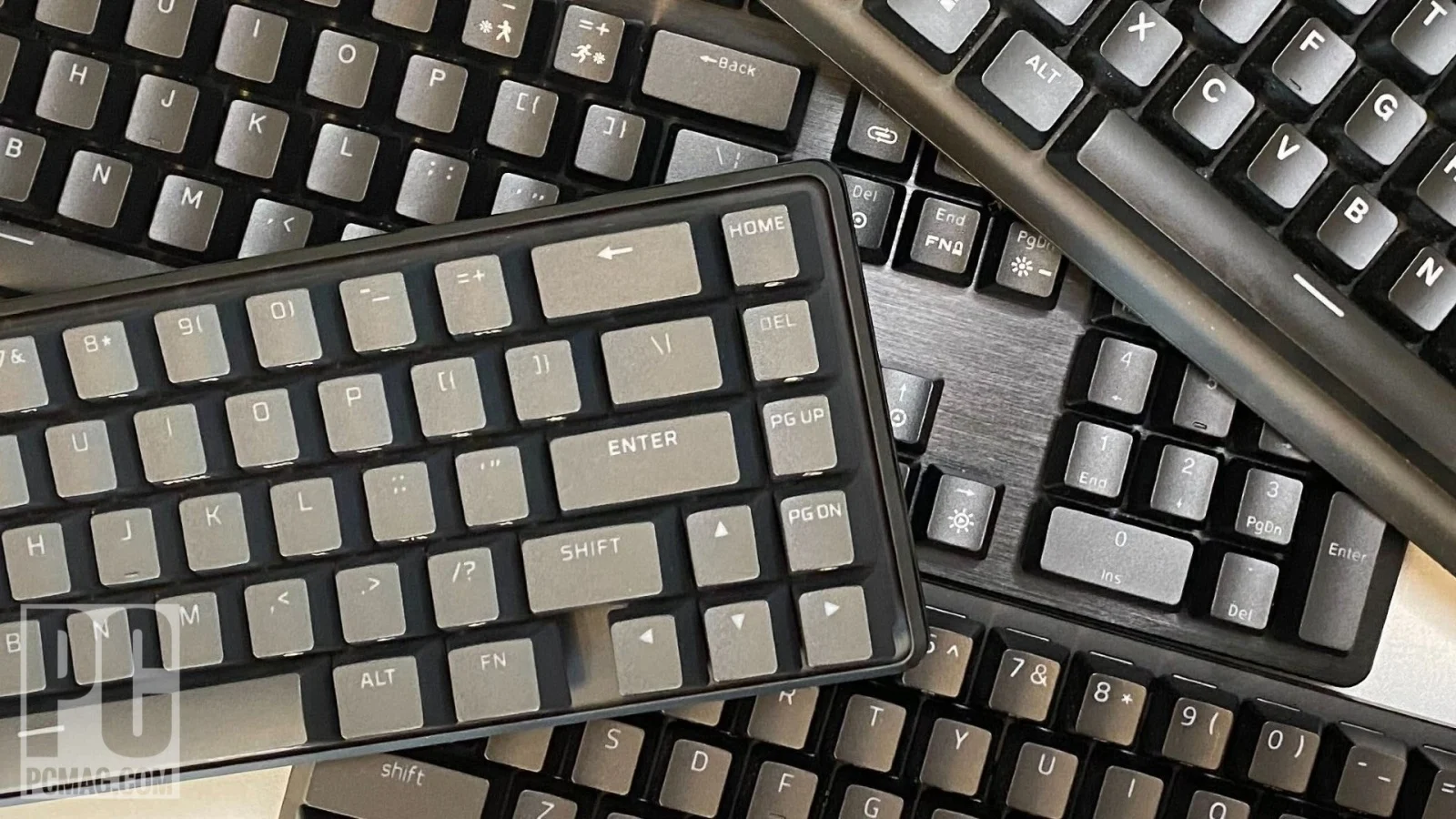
A keyboard can make your hands feel faster, calmer, or annoyed before you notice why. The reason often starts with keyboard switch types, because the switch controls the feel, sound, pressure, and timing of every key press. For most U.S. buyers, the choice comes down to linear, tactile, or clicky, but that simple split hides the real decision: how you work, how you play, and who has to hear your keyboard. A college student in a shared dorm needs a different board than a Valorant player in a basement setup. A remote worker on Zoom needs different feedback than someone writing code at 1 a.m. For broader keyboard gear research, it helps to treat switches like shoes. The “best” pair is not the most expensive one. It is the one you can wear for hours without thinking about it. Linear switches feel smooth, tactile switches give a bump, and clicky switches add sound to that bump. That is the quick answer. The smarter answer is learning which tradeoff you can live with every day.
How Keyboard Switch Types Shape Speed, Comfort, and Noise
The first mistake most buyers make is treating switches like a ranking system. Red is not better than brown. Brown is not more “serious” than blue. These labels point to feel, not quality. Most mainstream switch guides sort mechanical switches into three broad groups: linear, tactile, and clicky, each with a different balance of smooth motion, finger feedback, and sound. The better question is not “Which one is best?” It is “Which problem am I trying to avoid?”
Why linear switches feel fast but less forgiving
Linear switches travel straight down without a bump. That smooth path is why gamers like them. When you are strafing in Call of Duty, tapping movement keys in Fortnite, or repeating the same ability key in League of Legends, you do not want the switch arguing with your finger. You press. It goes. No tactile event in the middle.
That same smoothness can feel odd during typing. Since linear switches do not tell your finger when the key has registered, many new users press all the way to the bottom. This is called bottoming out. It works, but it can make the board louder than expected and tire your fingers during long writing sessions. The switch itself may be quiet, while your typing style turns it into a small drum kit.
The counterintuitive part is that linear switches are not always the quietest choice in real life. A silent linear can be soft in a lab test, but a heavy-handed typist can still slam every key. A light tactile switch in careful hands may sound calmer in an apartment than a red switch used by someone who types like they are chasing a deadline.
Why tactile switches are the safe middle, not the boring middle
Tactile switches add a small bump during the key press. That bump tells your finger the input has registered. For productivity users, this matters more than spec sheets suggest. You can learn to release the key sooner instead of pressing into the plate every time. Over a full workday, that feedback can make typing feel controlled instead of mushy.
Brown-style switches became popular because they sit between gaming and office work. They are not silent. They are not loud in the blue-switch way either. For a U.S. remote worker who writes emails, edits spreadsheets, joins video calls, and plays a few matches at night, tactile switches often make sense. They give enough feedback for writing without making every keystroke a public announcement.
The hidden issue is that some tactile switches feel weak. A light bump can disappear if you type fast or use thick keycaps. That is why two “brown” boards can feel different even when the product pages look close. The switch is only one piece. Case material, plate stiffness, stabilizers, foam, and keycap profile all change the final feel.
Choosing Switches for Gaming Without Falling for Hype
Gaming keyboards are sold with speed language everywhere. Short actuation. Faster response. Pro-level input. Some of it matters. Some of it is marketing wrapped around a smaller truth. You need a switch that lets you repeat commands cleanly, recover from mistakes, and keep your hand relaxed when pressure rises. A board that feels fast for five minutes in a store can feel twitchy after two hours of ranked play.
When light switches help and when they cause mistakes
A light switch can make rapid inputs easier. If you play fast shooters, rhythm games, or action titles where repeated movement matters, that lower resistance can feel sharp. A common example is a player who uses A and D constantly to counter-strafe. Linear switches help because the key press is smooth and predictable. There is no bump in the way.
But lighter is not always better. If your fingers rest heavily on the keys, light actuation can cause accidental presses. This shows up in games where one bad input costs the round. You meant to hold position, but your finger leaned on W. You meant to reload, but brushed Q. The switch did its job. Your setup picked up input you did not intend.
This is where heavier linear switches or firmer tactile switches can be smarter. They slow you down a little, but they add control. For many gamers, the best switch is not the one with the shortest actuation point. It is the one that lets you play tired without making sloppy inputs.
Optical, magnetic, and speed switches are tools, not magic
Newer gaming boards often use optical or magnetic designs instead of standard metal-contact mechanical switches. Optical switches register through light, and some models advertise shorter actuation points. Razer, for example, lists a 1.2 mm actuation point for its linear optical switch and connects some of its gaming boards with 8,000 Hz polling claims. Those numbers can matter for competitive players who already have strong aim, stable internet, and high-refresh displays.
For most people, the switch will not fix bad positioning or poor timing. It may make the keyboard feel cleaner. It may shave off a tiny input delay. Yet the gain is smaller than moving from a cheap membrane board to a solid mechanical board, or from a laggy wireless setup to a stable wired one. Gear helps most when the player has already removed the obvious bottlenecks.
Magnetic switches add another twist because many allow adjustable actuation. You can set a key to register higher or lower in the travel. That sounds perfect, but it can become a tuning trap. People spend more time adjusting the board than playing. A smart setup starts conservative: medium actuation for most keys, faster settings only for movement or repeated actions, and no extreme settings until your fingers prove they can handle them.
Productivity Users Should Care More About Fatigue Than Speed
Office buyers often ask the wrong question too. They ask which switch is fastest, even though their real problem is comfort. Eight hours of typing is not a speed test. It is a repetition test. Your hands need feedback, your ears need peace, and your coworkers or family need to survive the sound. That changes the switch choice.
How tactile switches support long writing and office work
Tactile switches can reduce guesswork. When the bump appears, your finger knows the key has fired. Writers, coders, analysts, and customer support workers often benefit from that small confirmation. It helps you type with less force once you get used to it. You stop crushing the key because the switch already told you the job was done.
A real example: someone working from a small apartment in Chicago may type at a kitchen table while a partner takes calls nearby. Clicky switches would be selfish. Heavy linear switches might feel tiring by late afternoon. A medium tactile board with decent stabilizers gives feedback without turning the room into a sound test. Add a desk mat, and the board often becomes easier to live with.
The non-obvious point is that fatigue does not always come from heavy switches. It can come from uncertainty. If the switch gives no feedback, some typists press harder than needed. A slightly heavier tactile switch can feel less tiring than a lighter linear one because the finger trusts it sooner.
Why clicky switches are loved by typists and hated by rooms
Clicky switches add a sound event to the tactile bump. For some people, that click is the whole charm. It creates rhythm. It makes typing feel deliberate. If you write alone, work in a private office, or enjoy the old-school feel of loud keys, clicky switches can make daily work more enjoyable.
The trouble is that sound travels. Open offices, shared bedrooms, dorms, and video calls are poor homes for loud clicky boards. The person using the keyboard may hear energy. Everyone else hears interruption. That is why blue-style switches often get loved at first and removed later. The user enjoys the feel. The room votes against it.
There is also a focus issue. A click can reward typing, but it can also keep your brain locked onto the keyboard. For writing, that may help. For spreadsheet work, data entry, or long research sessions, it may become tiring. Clicky switches are not bad. They are honest. They tell the whole room what your fingers are doing.
The Buying Details That Matter After You Pick a Feel
Once you know the basic feel you want, the smaller details start to matter. This is where many buyers either save money or waste it. A keyboard with the right switch family can still feel poor if the stabilizers rattle, the case pings, or the keycaps feel slick. A cheaper hot-swappable board can beat a premium-looking fixed board because it lets you fix mistakes later.
Actuation force, travel, and sound tests beat color names
Switch colors are helpful only inside the same brand family. Red often means linear, brown often means tactile, and blue often means clicky, but brands do not always match perfectly. One company’s brown may feel softer than another’s. One red may feel scratchy, while another feels smooth. Color is a hint, not a contract.
Actuation force tells you how much pressure the switch needs. Travel tells you how far it moves. Sound depends on more than the switch. The case, plate, foam, keycaps, desk surface, and your typing force all join the result. That is why YouTube sound tests can be useful, but they can also mislead you. A creator’s microphone, desk, and room are not your room.
A better path is to buy from a seller with clear returns, test a switch sampler, or choose a hot-swappable board. Hot-swap sockets let you change switches without soldering. That matters because your first guess may be close, not perfect. For related setup choices, a home office keyboard comfort guide can help you match switches with posture, wrist angle, and desk layout.
Hot-swap boards make experimentation less expensive
Hot-swap keyboards changed the buying process. Years ago, picking the wrong switch meant living with it or learning to solder. Now, many boards let you pull switches out and try another set. This helps gamers and productivity users because preferences change after real use. A switch that feels great on day one may feel too light after a week.
A practical route is simple. Start with a keyboard layout you like, then pick a safe switch. For gaming-first users, that may be medium linear switches. For mixed use, medium tactile switches are often safer. For private typing, clicky switches can be fun. After two weeks, notice the problem instead of chasing novelty. Are you making mistakes? Go heavier or more tactile. Are your fingers tired? Go lighter. Is the sound annoying? Try silent switches or a softer board build.
This approach saves money because it treats the keyboard as a system. Switches matter, but they do not carry the whole experience. Keycaps shape finger contact. Stabilizers control larger keys. Firmware affects macros and layers. Layout affects shoulder comfort. A good gaming desk accessory checklist should treat the keyboard as part of the desk, not a trophy sitting on top of it.
Conclusion
The right keyboard is the one your hands stop arguing with. Gamers should care about repeatable input, not wild speed claims. Productivity users should care about comfort, noise, and how the board feels after lunch, not how it sounds in a 20-second clip. Linear switches suit smooth rapid presses. Tactile switches offer feedback that works well across writing, coding, and mixed daily use. Clicky switches can feel joyful, but they need the right room. The best way to choose keyboard switch types is to match the switch to your habits before you match it to a brand name. Start with your main use, your sound limits, and your typing force. Then buy in a way that leaves room to adjust. Hot-swap boards, sample packs, and honest return policies beat guessing from color charts. A keyboard is not a status item. It is a tool your fingers use thousands of times a day. Choose the one that disappears under your hands.
Frequently Asked Questions
What is the best mechanical keyboard switch for gaming?
Linear switches are often the safest gaming pick because they feel smooth and allow quick repeated presses. Medium-weight options work well for most players. Ultra-light switches can feel fast, but they may cause accidental inputs if your fingers rest heavily on the keys.
Are tactile switches good for both gaming and typing?
Yes, they are a strong middle choice for mixed use. The bump helps typing accuracy, while the key press still works fine for casual and competitive gaming. They may not feel as fast as light linear options, but they often feel more controlled.
Are clicky switches too loud for an office?
In most shared offices, yes. Clicky switches can distract coworkers and sound harsh on calls. They work better in private rooms where sound is not an issue. For office work, tactile or silent linear options are usually easier to live with.
What switch color should beginners choose?
Brown-style tactile switches are a safe starting point for many beginners because they balance feedback, sound, and control. Red-style linear switches are better if gaming is the main goal. Blue-style clicky switches should be chosen only when noise will not bother anyone nearby.
Do mechanical switches make you type faster?
They can help, but they do not guarantee speed. A switch with clear feedback may reduce errors, while a smooth switch may support faster repeated presses. Your layout, keycap shape, posture, and typing habits often matter as much as the switch.
Are silent switches worth it for home offices?
Yes, especially in apartments, shared rooms, or call-heavy workdays. Silent switches reduce the sharp impact sound that makes keyboards annoying. They may feel slightly softer or less crisp, so buyers should expect a calmer feel rather than the classic mechanical snap.
Should I buy a hot-swappable keyboard?
Yes, if you are unsure about switch choice. Hot-swap boards let you change switches without soldering, which makes testing easier and cheaper over time. They are useful for beginners, gamers tuning movement keys, and workers trying to reduce noise or fatigue.
How long does it take to adjust to new switches?
Most people need a few days to two weeks. Early mistakes are normal because your fingers are learning pressure and timing. Give the board enough real work time before judging it, especially if you moved from a laptop or membrane keyboard.